Brand
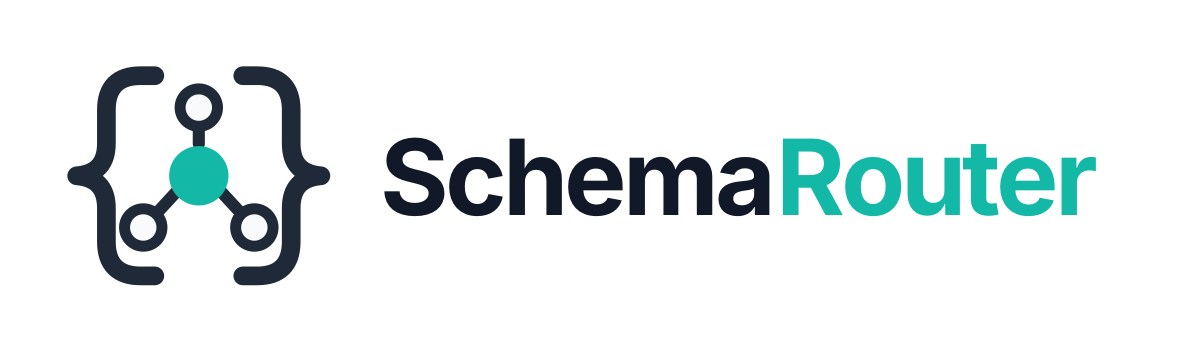
SchemaRouter uses the brace + routing hub identity.


Mark
The mark combines two ideas:
- curly braces for schema, structure, and typed contracts;
- a central routing hub for tool, endpoint, and field selection through one validated execution boundary.
The teal center is the routing decision. Graphite/neutral geometry keeps the visual language close to developer infrastructure rather than generic AI branding.
Palette
| Token | Hex | Use |
|---|---|---|
| Graphite | #1F2937 |
Primary structure on light backgrounds |
| Near black | #111827 |
Wordmark / deep neutral |
| Teal | #14B8A6 |
Primary accent |
| Bright teal | #2DD4BF |
Dark-mode accent |
| Light neutral | #E5E7EB |
Structure on dark backgrounds |
| Off white | #F8FAFC |
Light details |
Asset set



Use the mark for favicon, avatar, compact navigation, and square surfaces.
Use the lockup for README, documentation landing pages, package/project pages, and presentations.
Use the social preview as the source artwork for GitHub's repository social image.
Clear-space rule
Keep at least one central-node radius of empty space around the compact mark. Do not crowd the braces with badges or text.
Do not
- stretch or rotate the mark;
- recolor individual outer nodes;
- add glow, drop-shadow, bevel, or 3D effects;
- replace the teal hub with a rainbow/AI gradient;
- put the dark lockup on a dark background or the light lockup on a light background;
- use the generated concept image as the production master when an SVG asset is available.
GitHub social preview
GitHub does not automatically use a repository file as the social preview. Export
schemarouter-social-preview.svg to a 1280×640 PNG, then set it in the repository's social preview
settings after the branding branch is merged.